

Free AI services are a reality, not a marketing myth. Dozens of powerful tools are available without payment or in freemium format, where basic features are fully sufficient for daily work. This article is a practical review for those who want to try accessible automation without risk and without budget: from writing texts to analyzing data and generating ideas.
Category 1: Text and Content Work
Claude (Anthropic) — claude.ai The free plan allows extended dialogues, document analysis, and text generation. Particularly strong in analysis and structured content. Suitable for writing articles, emails, and support scripts.
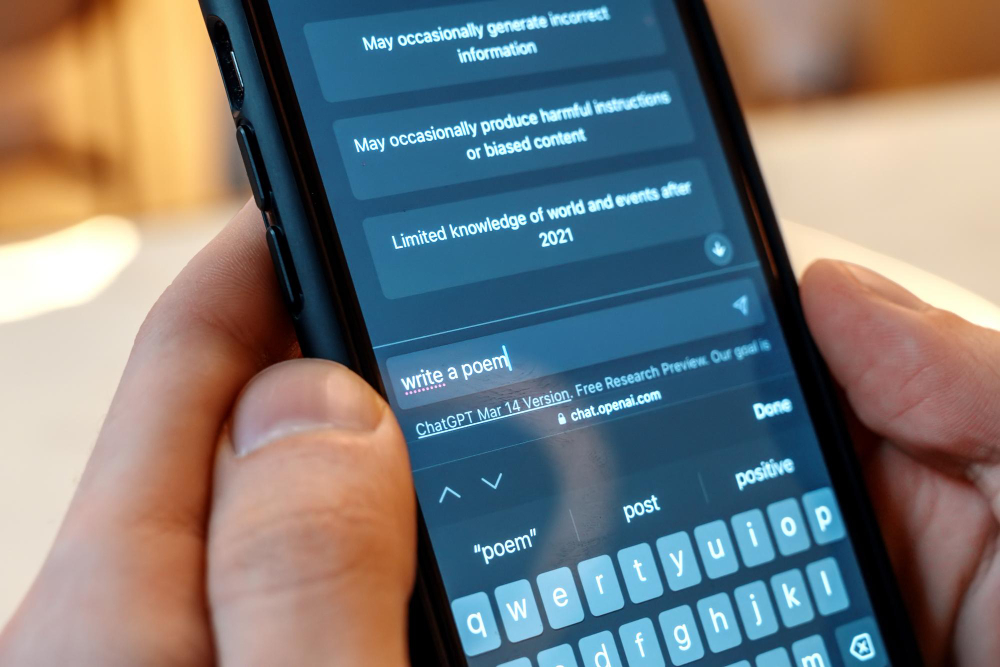
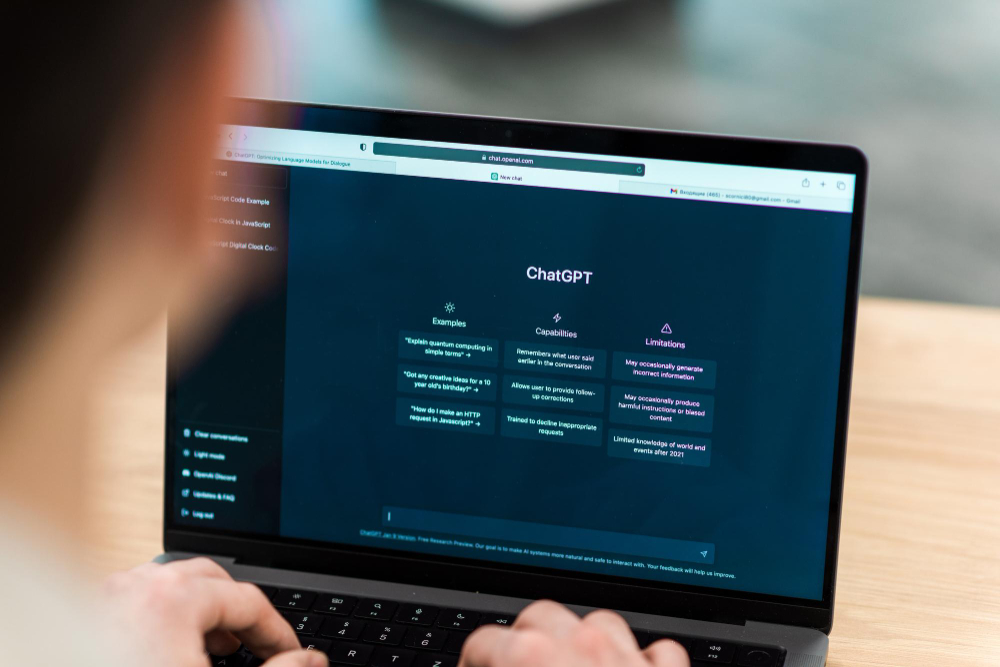
ChatGPT (OpenAI) — chat.openai.com Free version with GPT-4o mini. An excellent assistant for brainstorming, text rephrasing, and answering questions. One of the simplest interfaces to use.
Gemini (Google) — gemini.google.com Integrated with Google services. Convenient for working with Gmail, Docs, and Google Sheets — you can query AI directly inside a document.
Category 2: Translation and Languages
DeepL — deepl.com The free plan allows translating texts up to 1,500 characters at a time. The most accurate available translator for business texts. Supports 33 languages.
Google Translate — translate.google.com Free, with no volume limits. Suitable for quick translation of emails and messages, though quality is lower than DeepL for complex texts.
Category 3: Idea Generation and Visualization
Canva AI — canva.com The free plan includes basic AI features: background generation, background removal, some text templates. Ideal for NGO social media content.
Miro AI — miro.com Free tier with limited boards. The AI function helps generate diagrams and group ideas on an online whiteboard — useful for team brainstorming.
AI for NGOs: What to Look for When Choosing
AI for NGOs and social projects has a specific criterion — data security. Since organizations often work with sensitive beneficiary data, it is important to:
- Check whether the service stores your queries and uses them to train models.
- Choose tools with a clear privacy policy.
- For work with confidential data, use corporate plans rather than free ones.
Comparison Table: What to Choose for Which Task
| Task | Recommended tool | Free limit |
|---|---|---|
| Writing articles / emails | Claude or ChatGPT | Daily queries |
| Accurate translation | DeepL | 1,500 chars/query |
| Translation without limits | Google Translate | Unlimited |
| Social media design | Canva AI | Basic templates |
| Team brainstorming | Miro AI | 3 boards free |
| Work in Google Docs | Gemini | Within Google Workspace |
Free AI services are a great entry point to get acquainted with the technology without risk. But for serious business tasks — support automation, 24/7 customer query processing, CRM integration — specialized enterprise-level solutions are required.
Want to go deeper? Our CX and AI Academy collects free guides and checklists, and we send new materials to newsletter subscribers once a month.